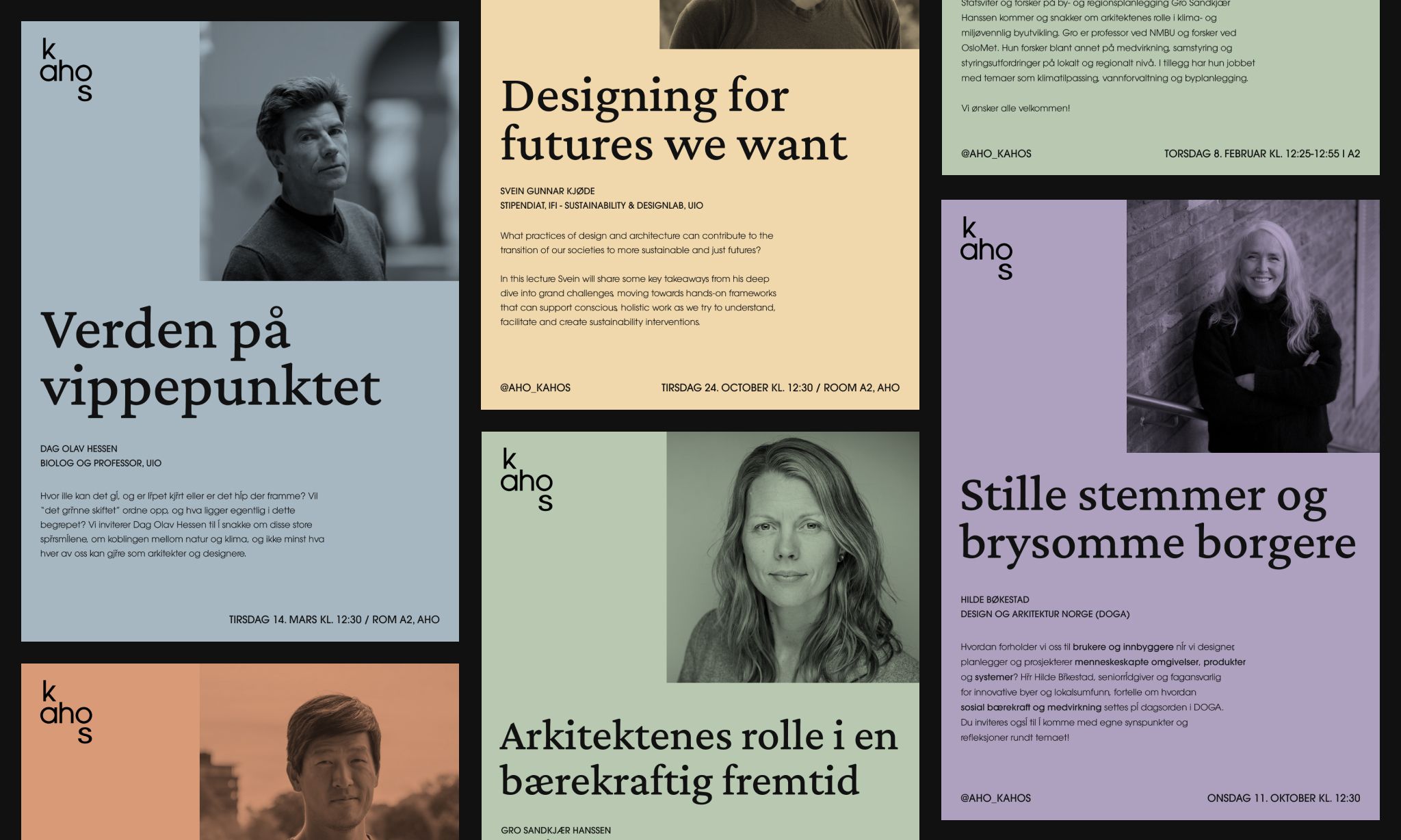
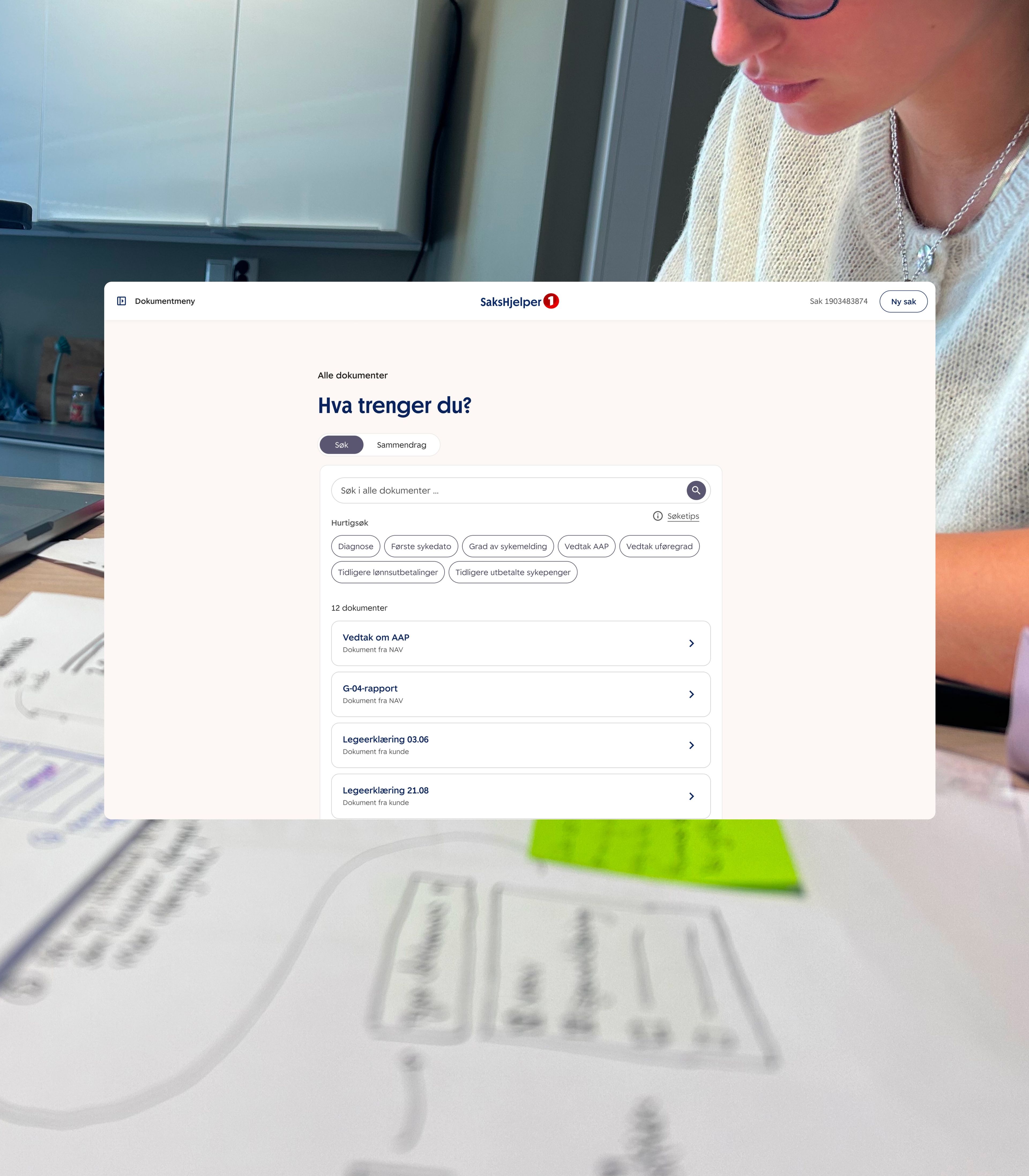
A collection of moments and everyday observations
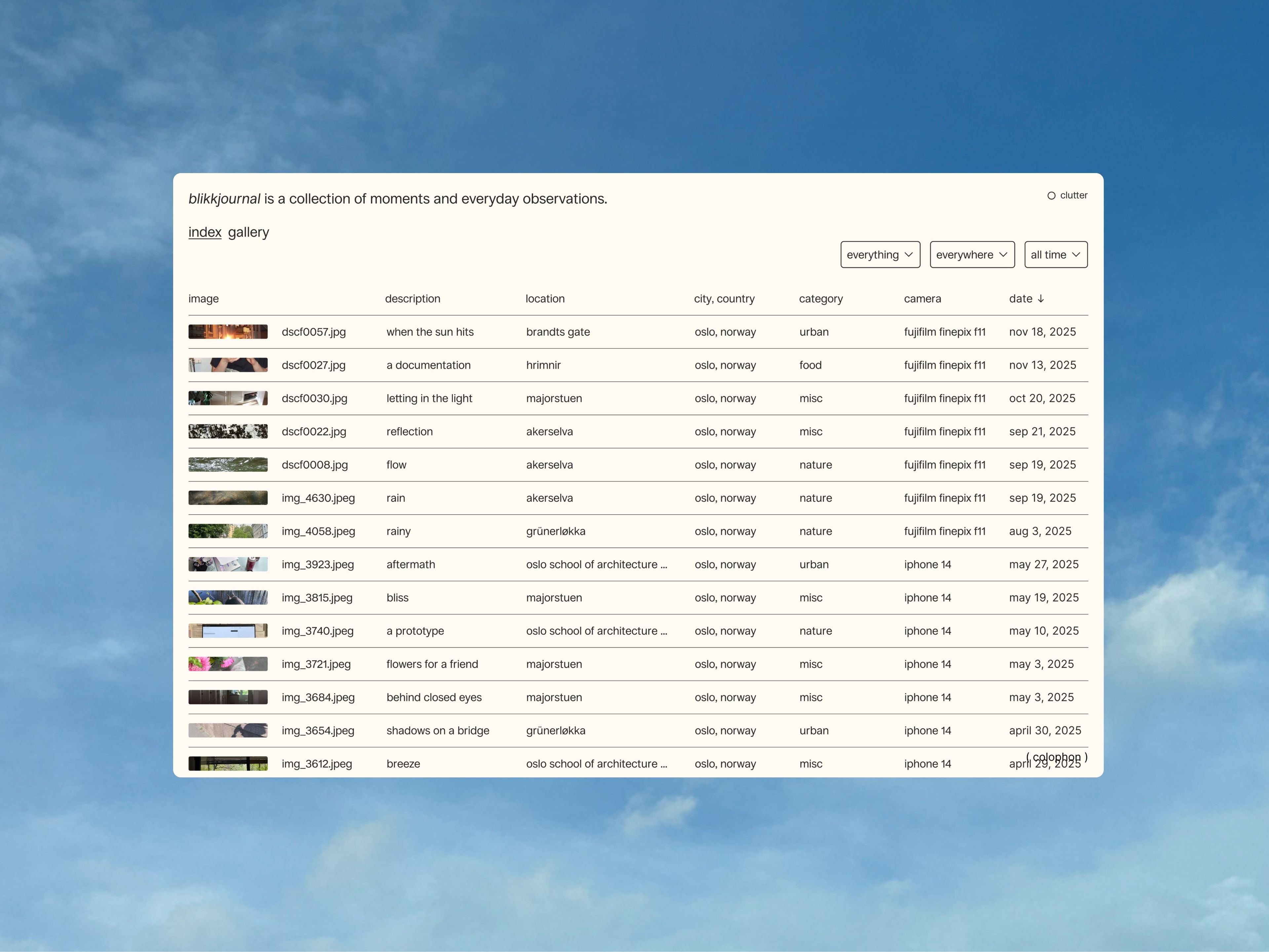
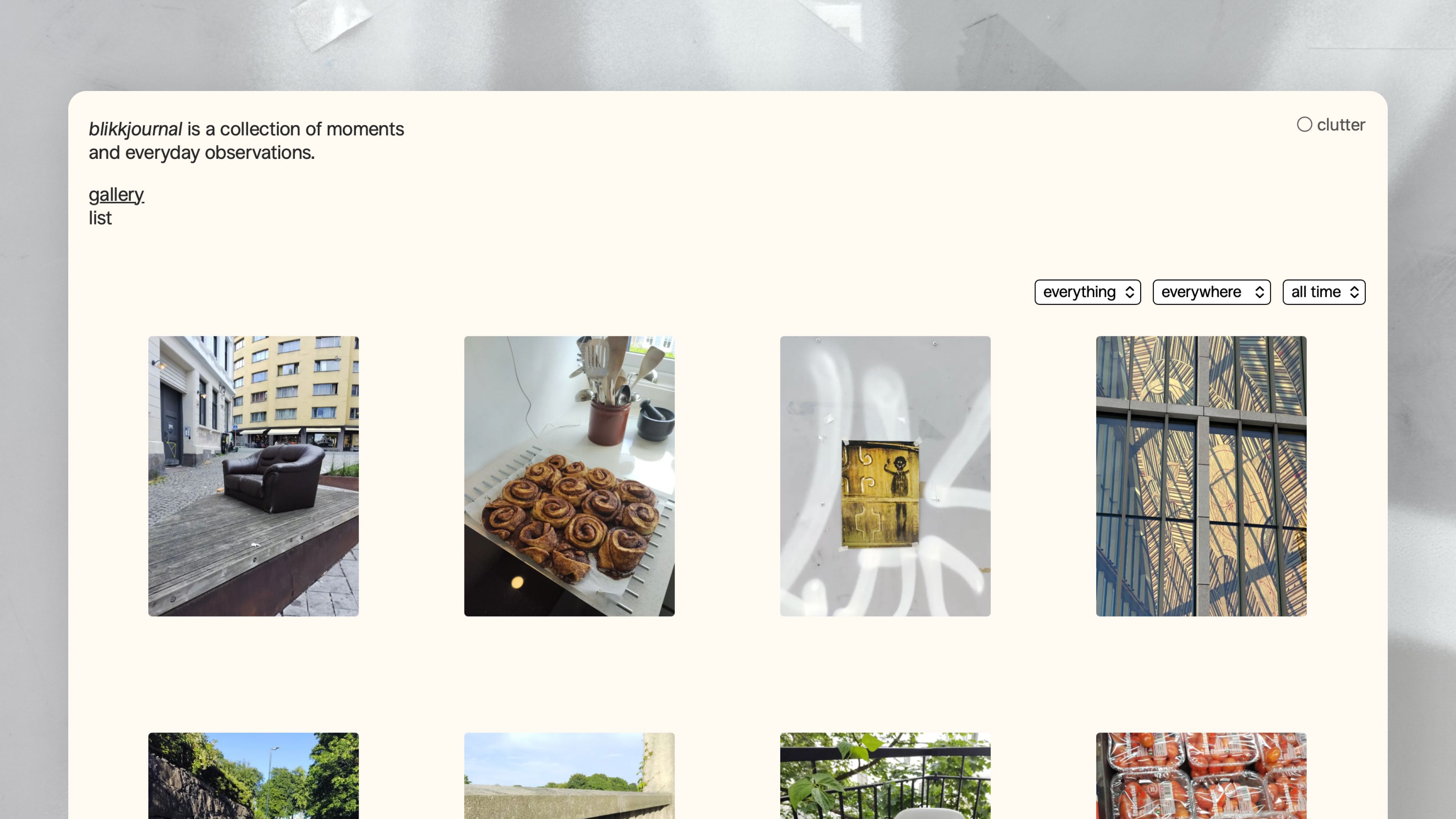
Blikkjournal is a personal collection of images capturing moments and everyday observations, made through a desire to showcase images that are otherwise lost on my personal devices, and as an alternative to social media and algorithms.
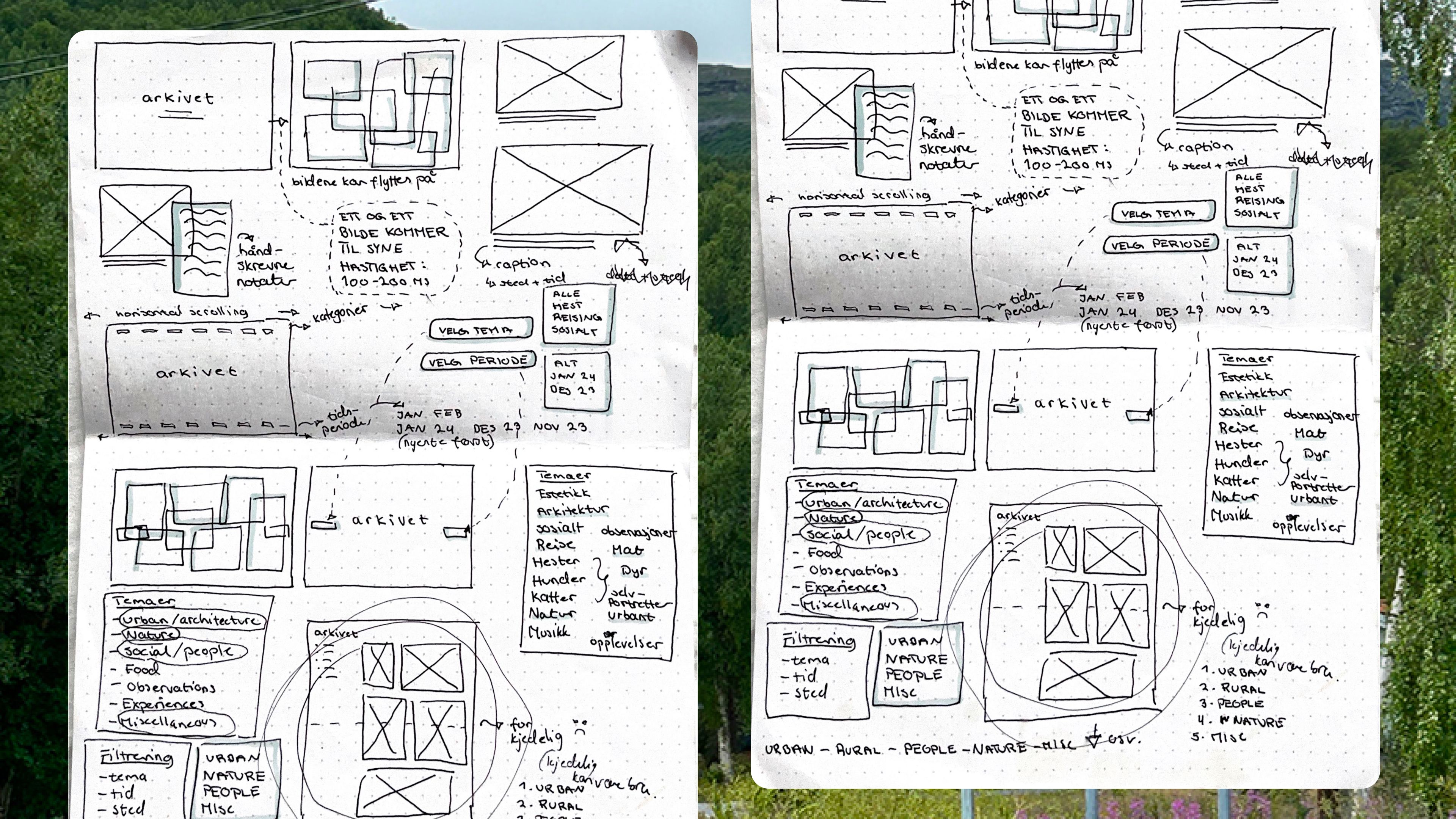
The design process started by quick hand-drawings, after I had written down the initial idea on some post-its. Then I brought the drawings into Figma and started prototyping.
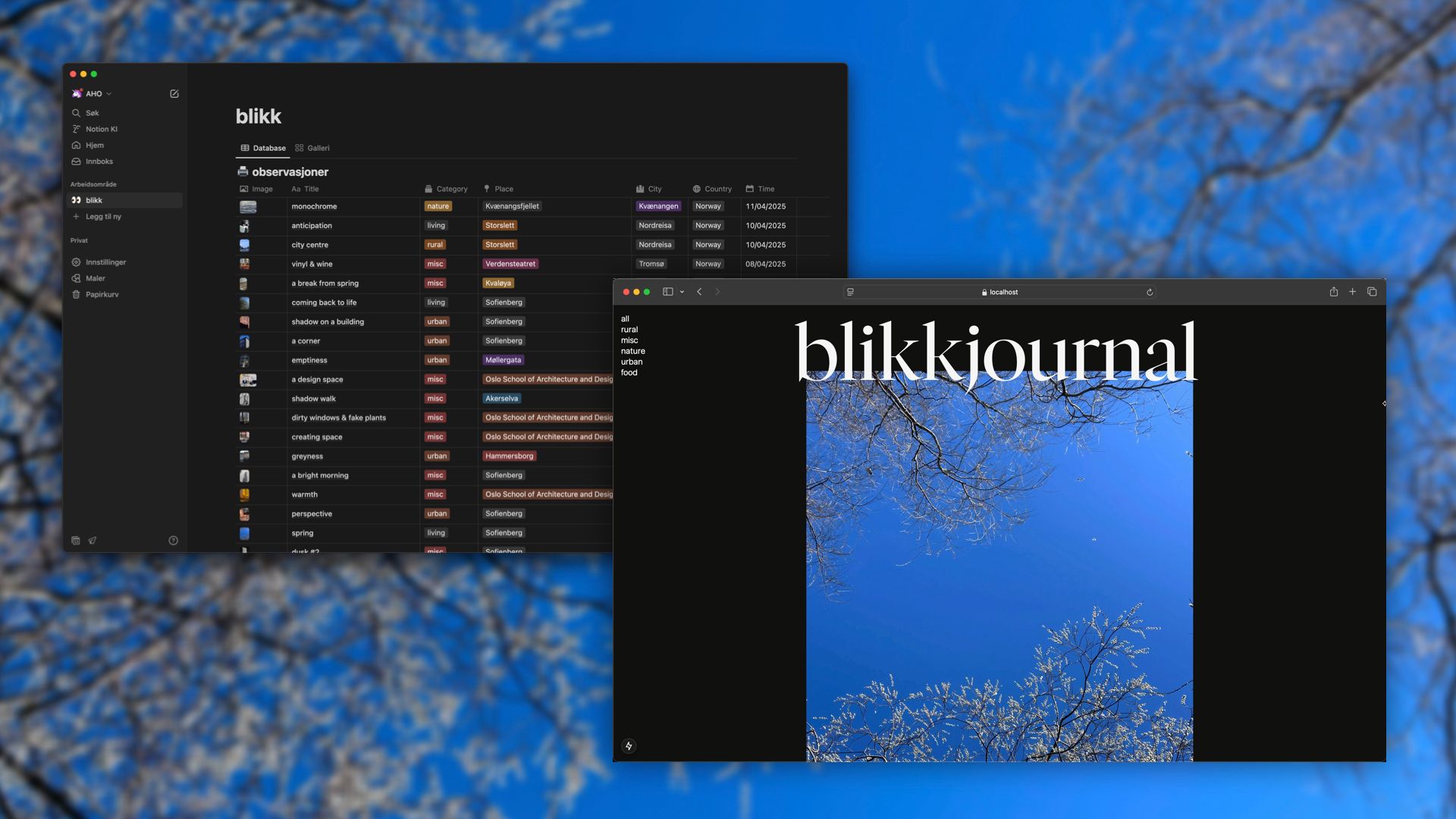
I set up a database in Notion for the content, and developed a simple version of the final design prototype, focusing on making the image fetching work.
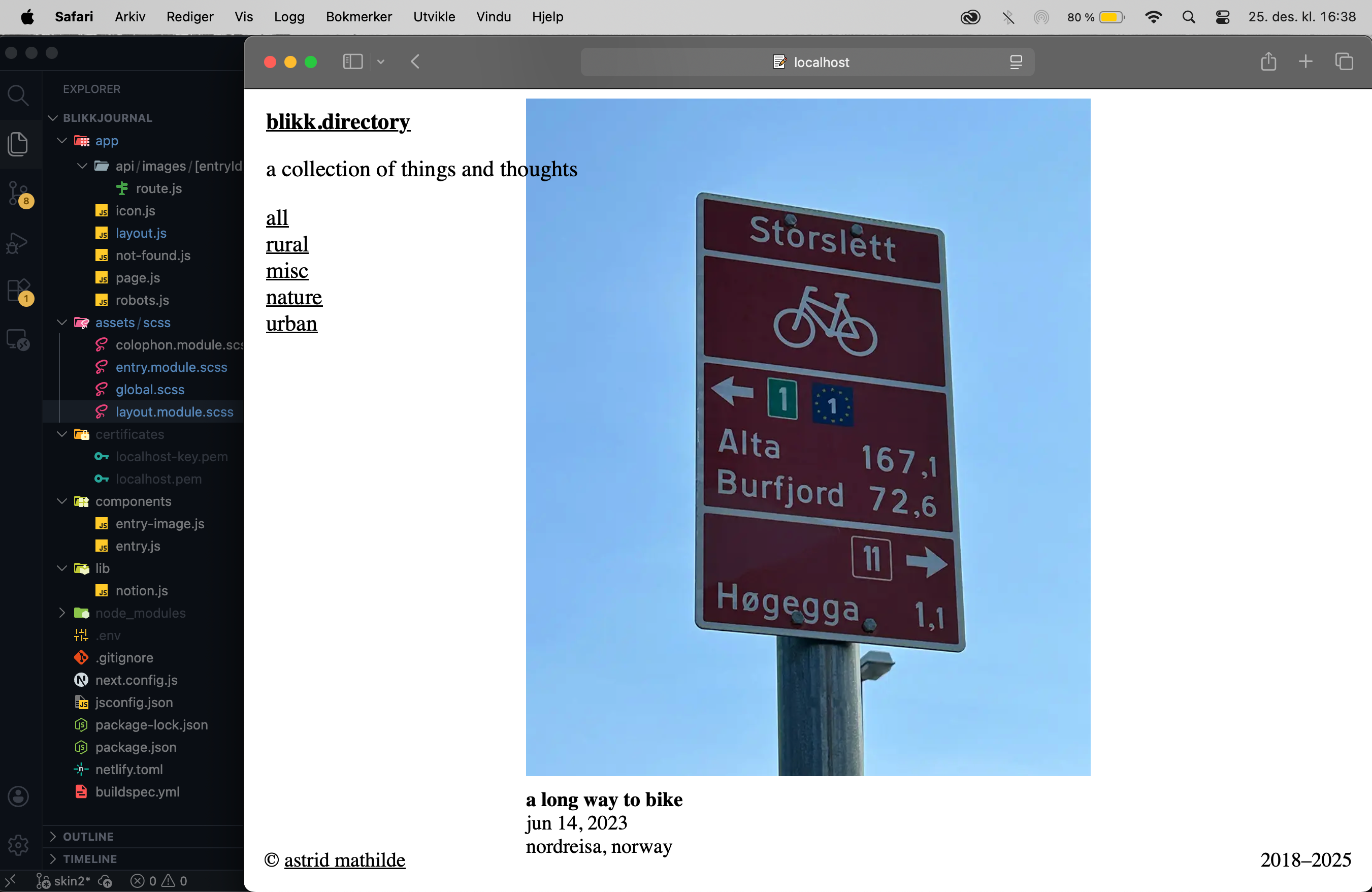
When everything was working and the website had been live for a while, I removed all the design and started over again in Figma, as now I had more ideas for how the website could look.
The result
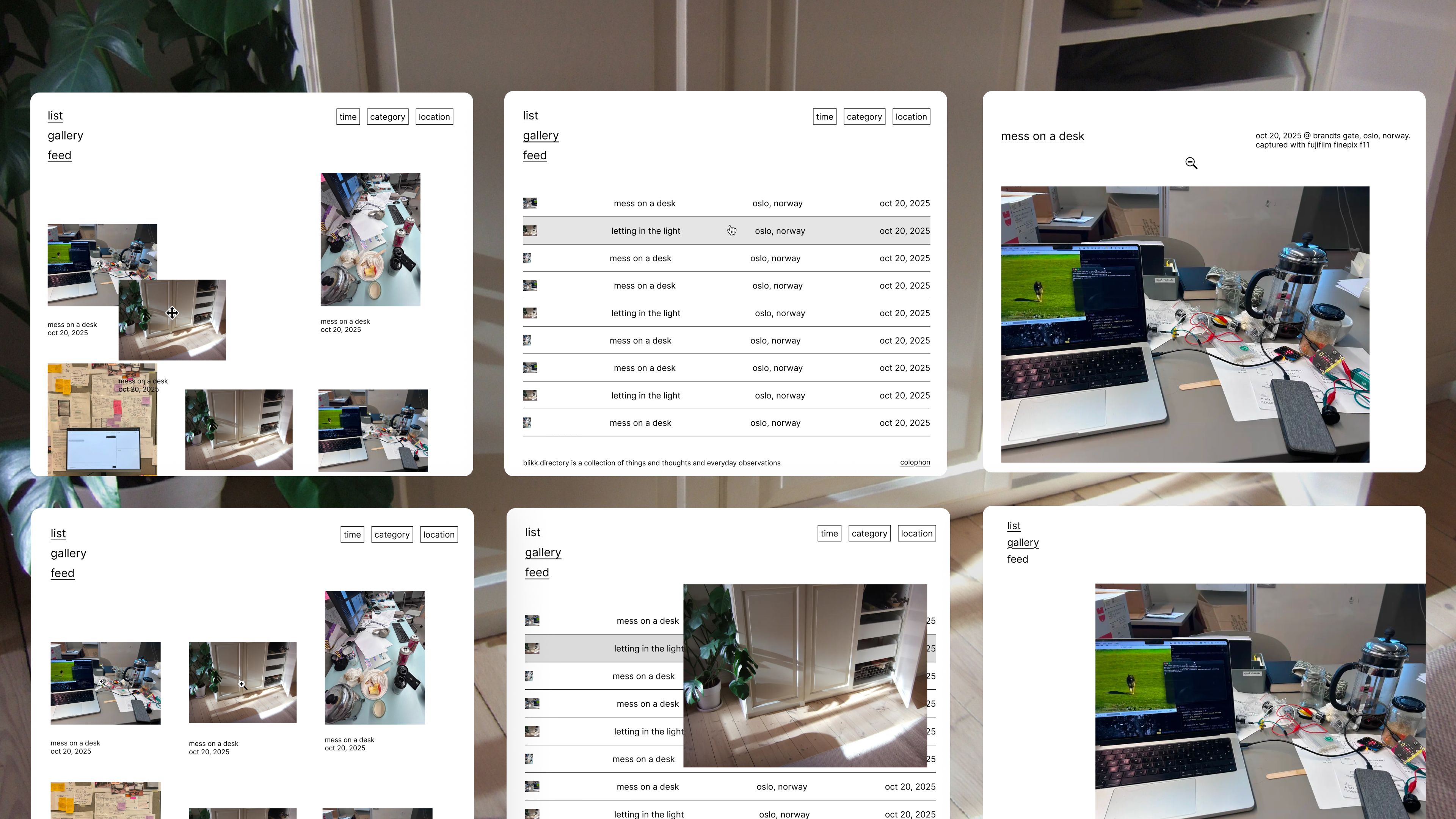
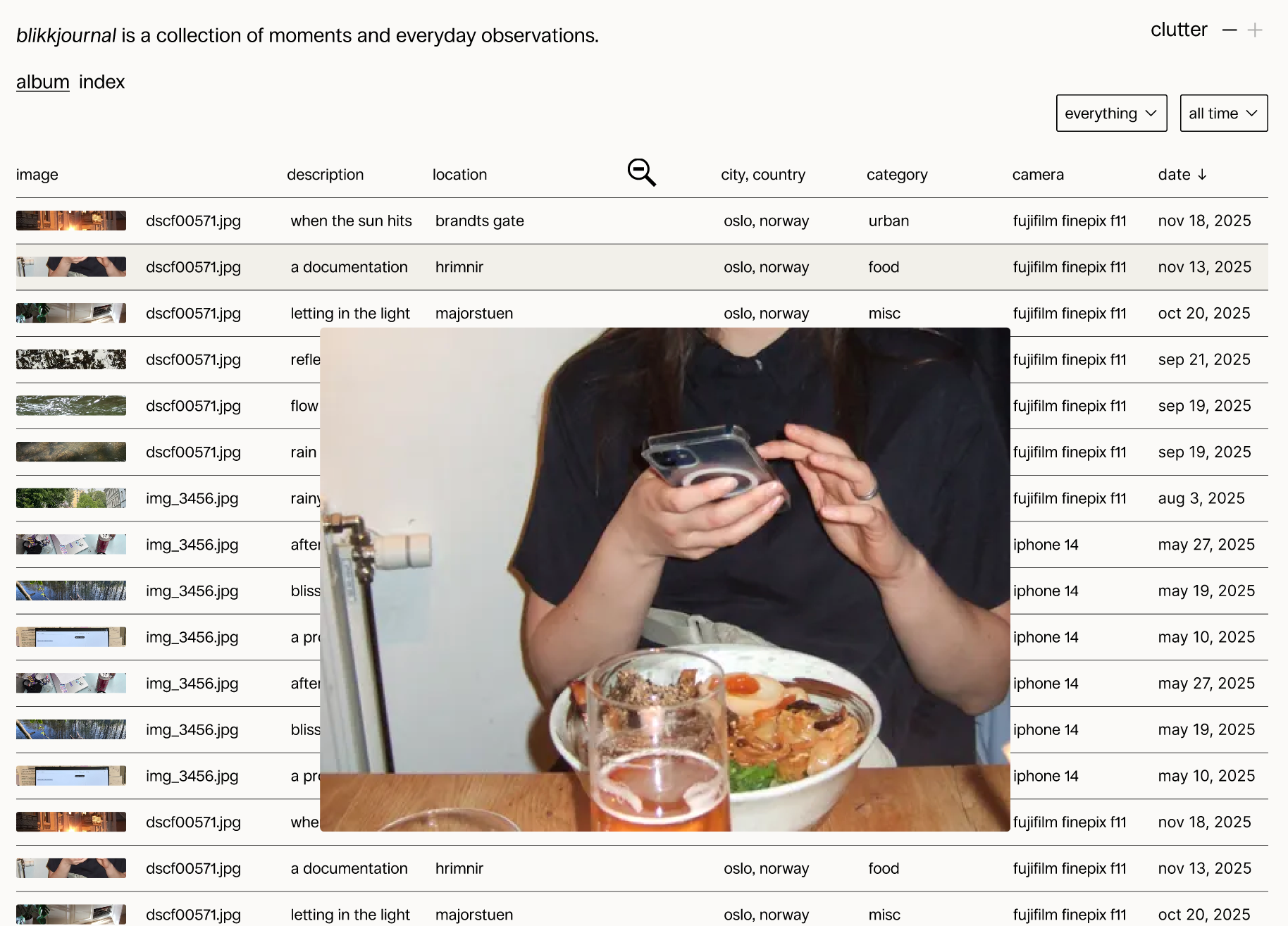
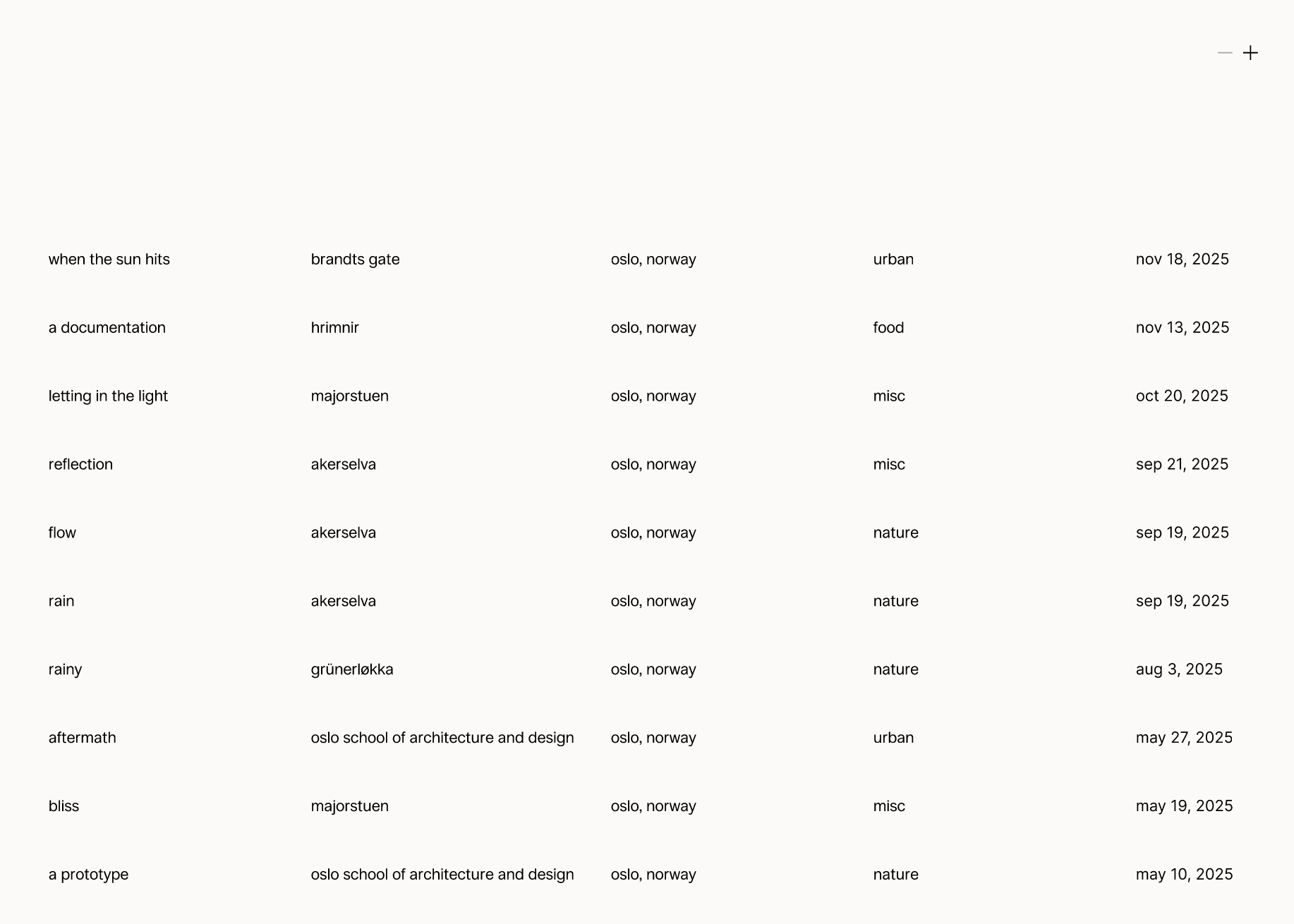
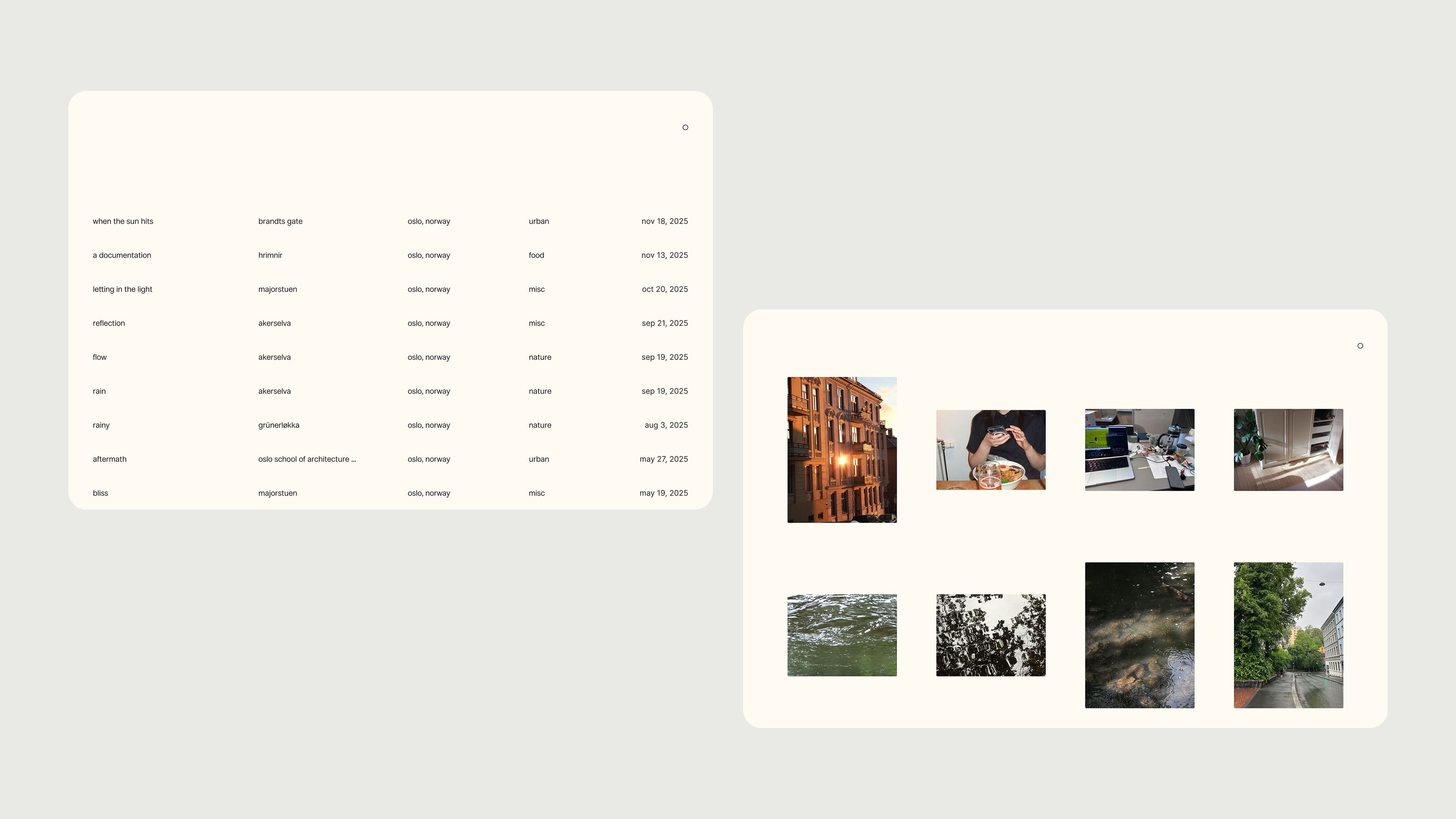
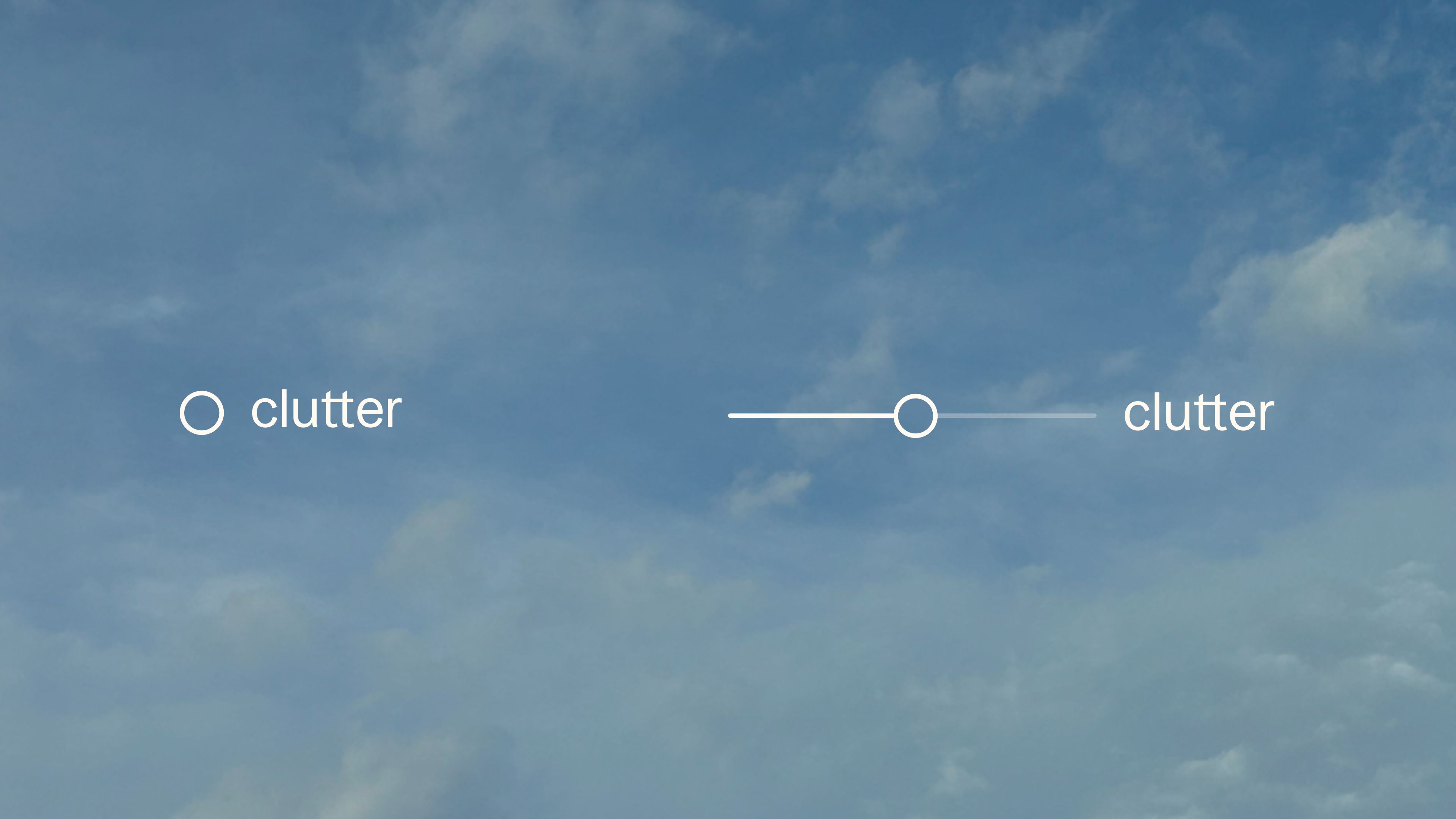
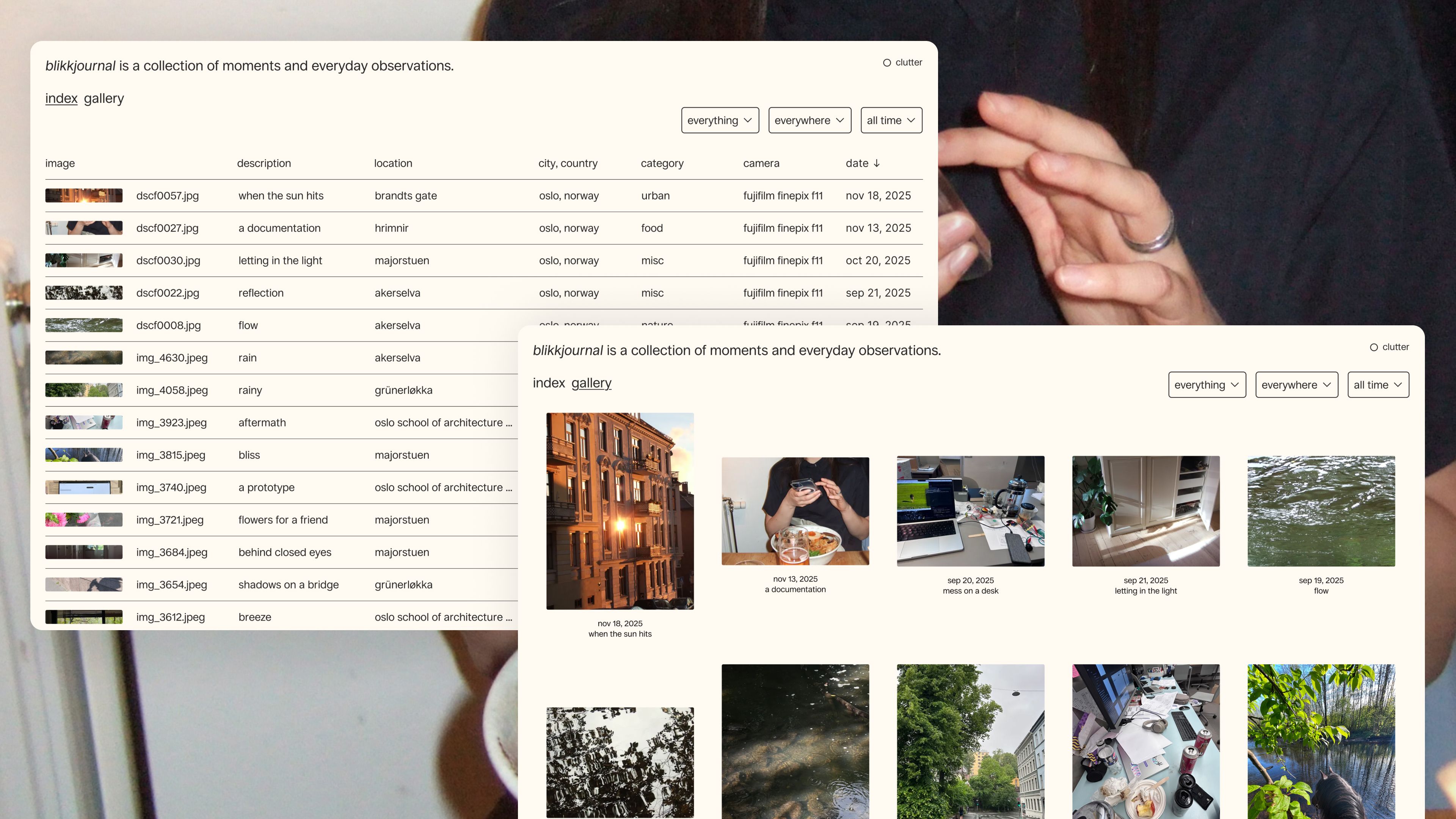
The website is exploring the tension between minimalism and maximalism, both in information density and visual expression. How much can an interface be simplified before functionality is compromised? Users can experience these extremes firsthand by controlling how much information is displayed, using the "clutter control".
To create a minimalistic expression focusing on images, I have used light colors providing good contrast, a single typeface set in lowercase and simple icons complementing the typography. When viewing single images, a dynamic background color is used, generated from the image itself using a function that analyses the image and extracts a dominant color.
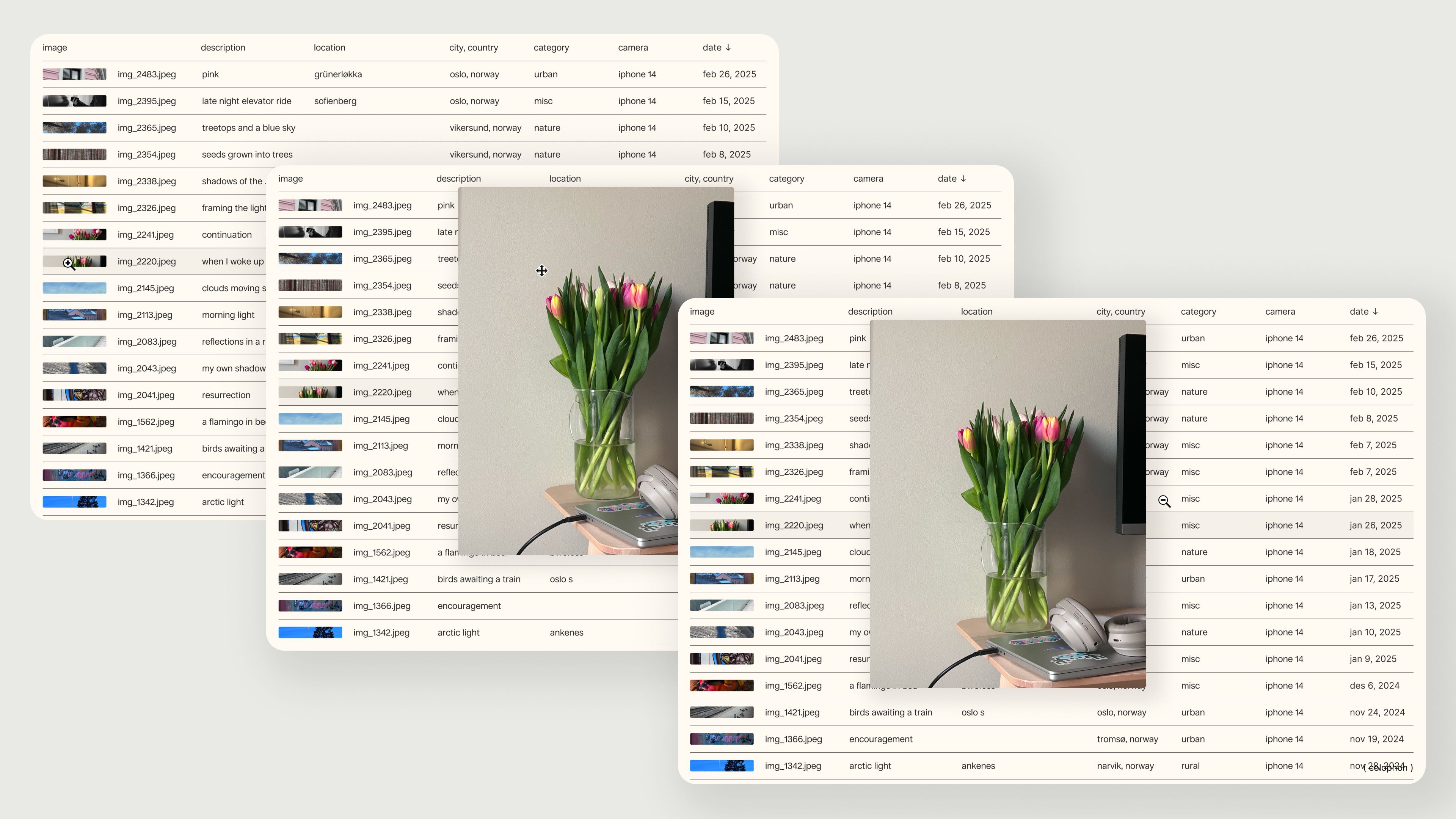
The cursor is used to help communicate the functionality, for instance by using a zoom-in cursor to indicate that an image can be enlarged, or using a move cursor to indicate that an object can be dragged around.
When it comes to development, I chose to use the Javascript framework Next.js and deliver the content through Notion API. Most of the website is coded by hand, but I have used generative AI for researching functionality, and also some of the functions are written with the help from generative AI. For details on where AI has been used, take a look through the open code repository on Github.
The website is still under development and I will update here as I explore other functions in the future.